Starting a Blog for Beginners: A Step-by-Step Guide to Creating a WordPress Website
Welcome to the world of blogging. In this tutorial, you will learn how to start a blog from scratch, even if you have no prior experience. We will guide you through the process of creating a WordPress website, choosing a domain name, and publishing your first post. By the end of this guide, you will have a fully functional blog that you can use to share your thoughts, experiences, and expertise with the world. Whether you want to start a blog for personal or professional reasons, this tutorial will provide you with the necessary steps to get started.
Step 1: Choosing a Domain Name for Your Blog
Choosing a domain name is the first step in creating a blog. Your domain name is the address of your blog on the internet, and it should be easy to remember and relevant to your blog's topic. For example, if you want to start a food blog, you could choose a domain name like "deliciousrecipes.com" or "foodlover.net". When choosing a domain name, make sure it is available and not already taken by someone else. You can check the availability of a domain name using online tools such as GoDaddy or Namecheap. 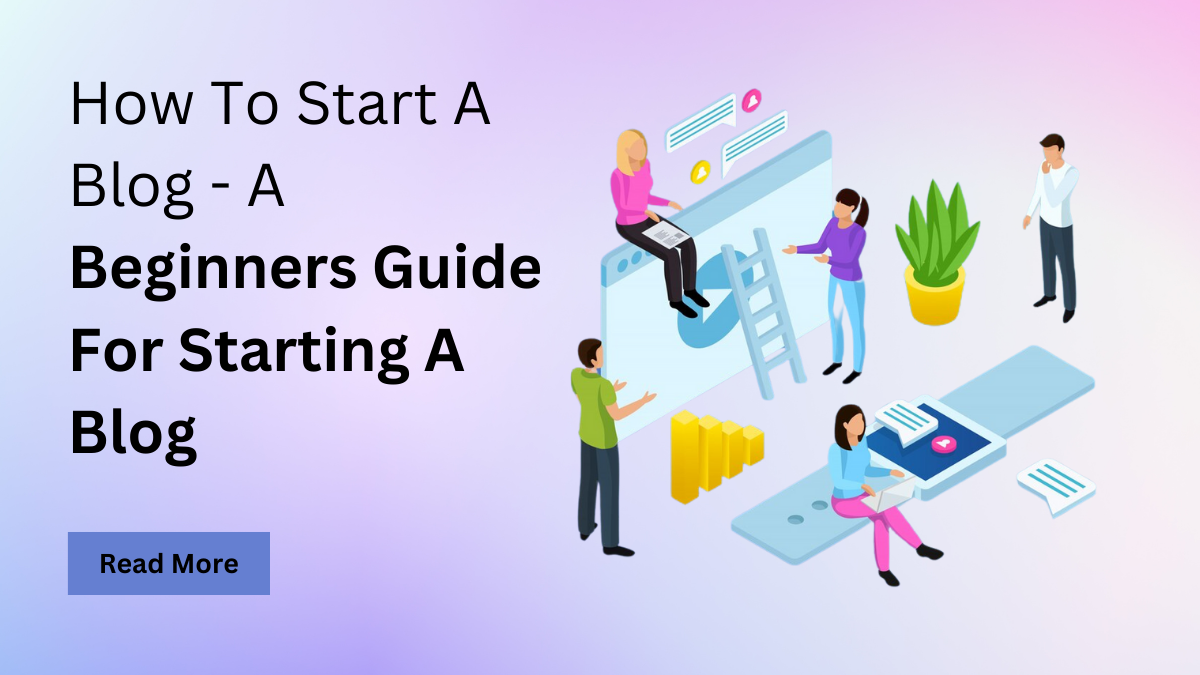
Step 2: Selecting a Web Hosting Service for Your Blog
After choosing a domain name, you need to select a web hosting service that will host your blog. A web hosting service provides the server space and bandwidth that your blog needs to operate. When selecting a web hosting service, consider factors such as reliability, speed, and customer support. Some popular web hosting services for bloggers include Bluehost, HostGator, and SiteGround. Make sure to choose a web hosting service that offers a free domain name registration and a user-friendly control panel. 
Step 3: Installing WordPress on Your Blog
Once you have chosen a domain name and a web hosting service, you can install WordPress on your blog. WordPress is a popular content management system (CMS) that allows you to create and manage your blog's content easily. Most web hosting services offer a one-click WordPress installation, which makes the process quick and easy. If you are not sure how to install WordPress, you can contact your web hosting service's customer support for assistance. 
Step 4: Choosing a Theme for Your Blog
After installing WordPress, you need to choose a theme for your blog. A theme determines the design and layout of your blog, and it should be consistent with your blog's topic and brand. WordPress offers a wide range of free and paid themes that you can choose from. You can browse the WordPress theme directory or purchase a premium theme from a third-party vendor. When choosing a theme, consider factors such as responsiveness, customization options, and SEO optimization. 
Step 5: Creating High-Quality Content for Your Blog
Creating high-quality content is the most important step in starting a blog. Your content should be informative, engaging, and relevant to your target audience. When creating content, consider the following tips: use a conversational tone, optimize your posts with keywords, and use high-quality images. You should also create a content calendar to help you plan and organize your content in advance. 
Step 6: Promoting Your Blog on Social Media
Promoting your blog on social media is essential to reach a wider audience and drive traffic to your blog. You should create social media accounts on platforms such as Facebook, Twitter, and Instagram, and share your blog posts regularly. You can also join social media groups and communities related to your blog's topic to engage with your target audience and promote your blog. 
Step 7: Optimizing Your Blog for Search Engines
Optimizing your blog for search engines is crucial to improve your blog's visibility and drive organic traffic. You should use keywords in your blog posts, optimize your meta tags, and use header tags to structure your content. You can also use SEO plugins such as Yoast SEO or All in One SEO Pack to help you optimize your blog. 
Step 8: Engaging with Your Audience and Building a Community
Engaging with your audience and building a community is essential to create a loyal following and increase engagement on your blog. You should respond to comments and messages, create a newsletter, and offer exclusive content to your subscribers. You can also collaborate with other bloggers or influencers in your niche to reach a wider audience. /wp-content/uploads/2019/07/community-building.png)
Frequently Asked Questions
Q: How much does it cost to start a blog? A: The cost of starting a blog can vary depending on the web hosting service and domain name registration. However, you can start a blog for as low as $3 per month. Q: Do I need to have programming skills to start a blog? A: No, you don't need to have programming skills to start a blog. WordPress and other content management systems make it easy to create and manage a blog without any coding knowledge. Q: How long does it take to see results from my blog? A: The time it takes to see results from your blog depends on various factors, including the quality of your content, your marketing efforts, and your target audience. However, with consistent effort and patience, you can start to see results from your blog within a few months.
A Simple Beginner's Guide To Creating A Blog - PUSH.fm
A simple beginner's guide to creating a blog - PUSH.fm
Start A Blog Beginners Step By Step Guide, Create Wordpress Website
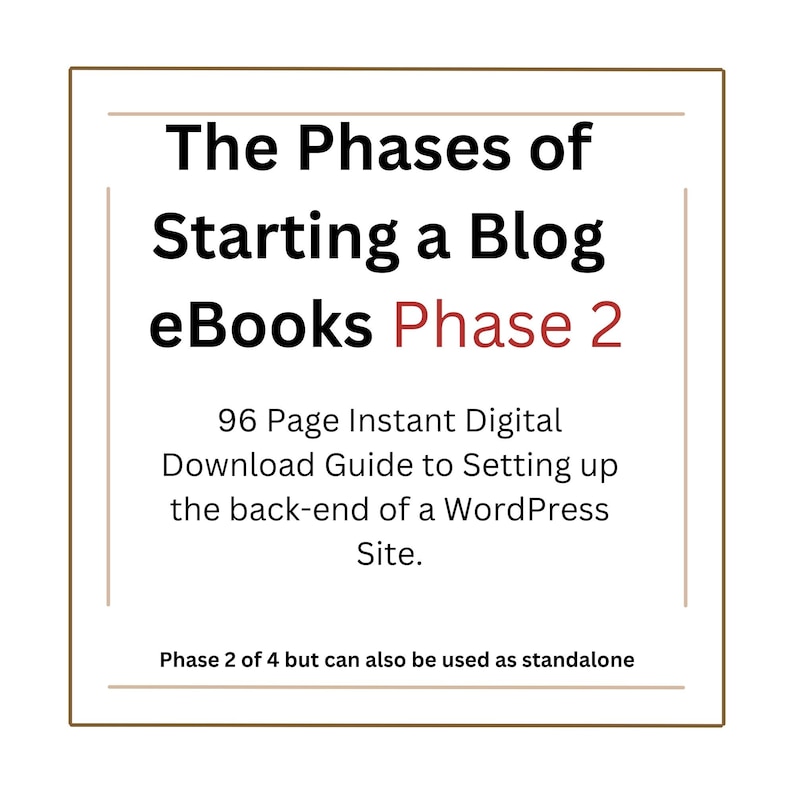
Start a Blog Beginners Step by Step Guide, Create Wordpress Website ...
Start A Blog Beginners Step By Step Guide, Create Wordpress Website
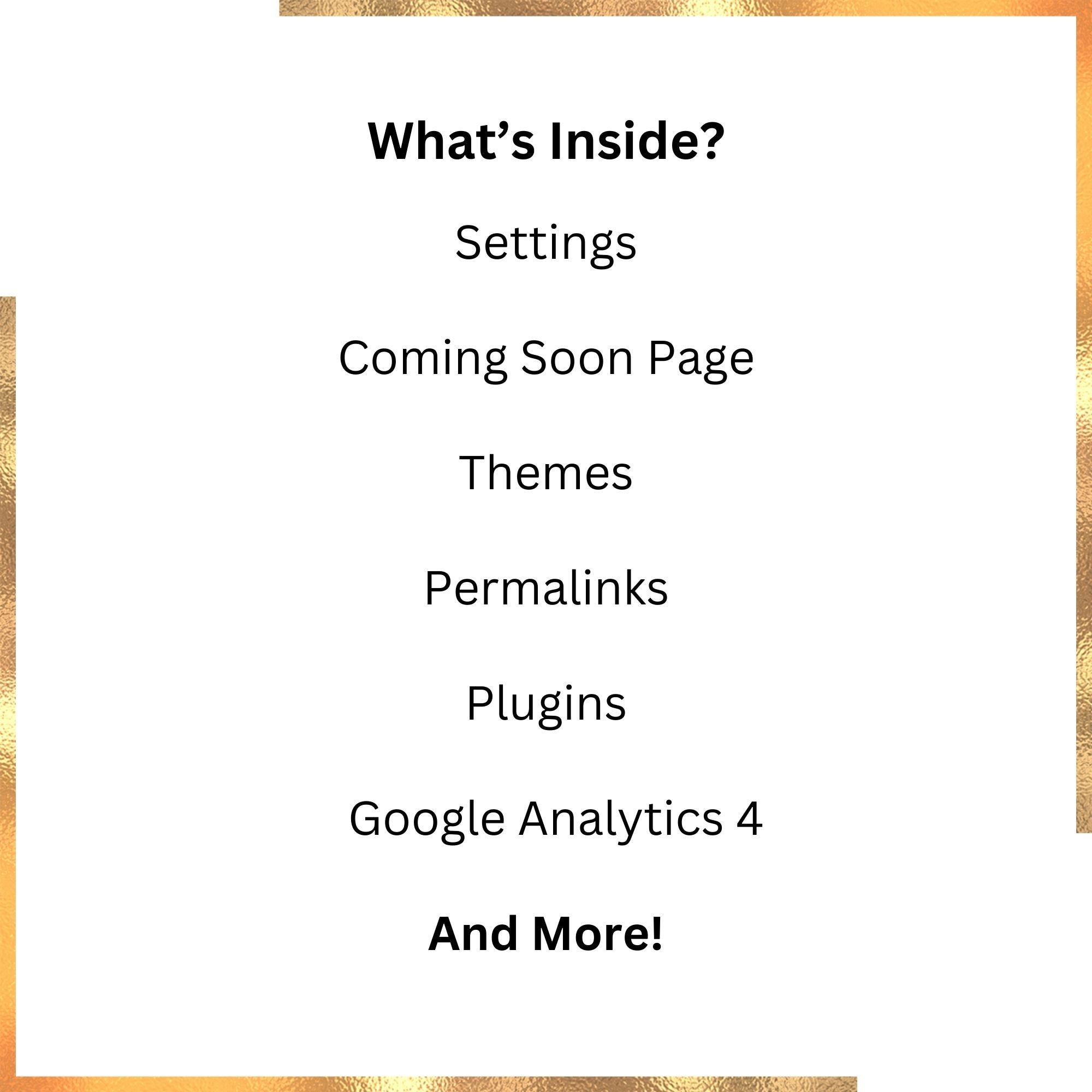
Start a Blog Beginners Step by Step Guide, Create Wordpress Website ...